Appearance
Report Formatting Guide
MARS Engine’s report module supports generating ODT-based documents (PDF, ODT) by merging template variables with data objects.
The template file MUST be in ODT format (unless using xlsx, sheet, or csv).
If you want to skip ahead or see the source document, click here.
General Text Variable Replacement
Declare a JavaScript object containing your data:
js
const data = {
  msg_1: "an ODT",
  msg_2: "different ways",
  msg_3: "images"
};

const tasks = { task_title: "wash the dishes" };

const res = report.odt("/link_to_file", { data, tasks });
write(res);
In the ODT template, use single curly braces to map fields:
{msg_1}
{msg_2}
{msg_3}
Example in-document variable mapping:
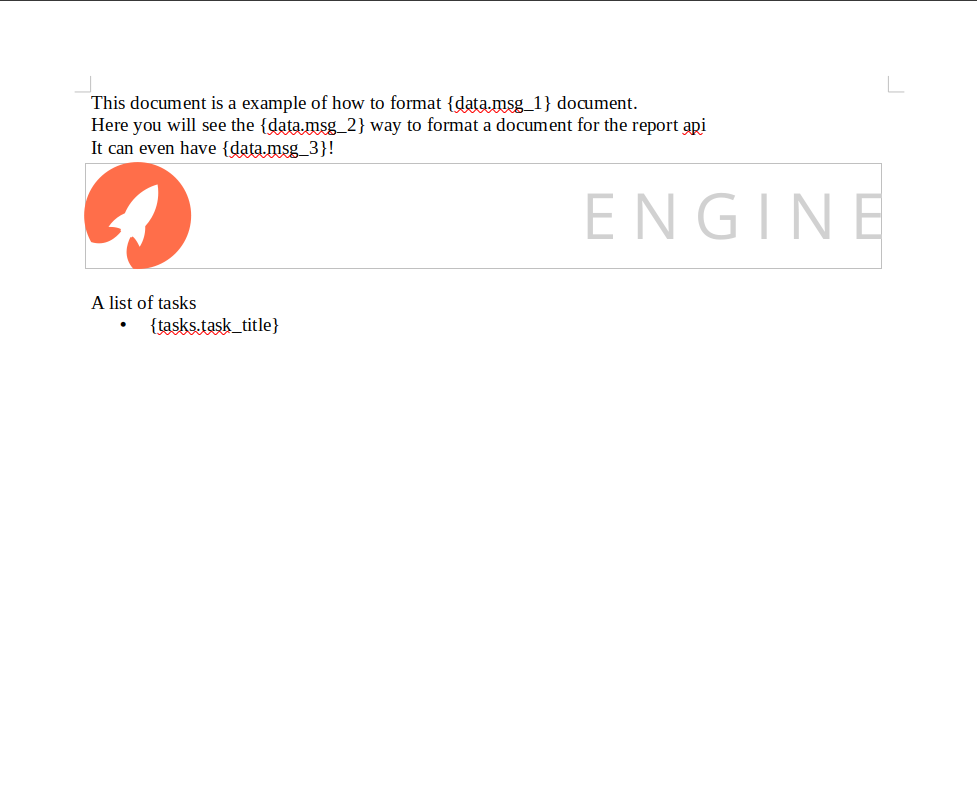
Result: The fields in the document get replaced by values from the data object.
Images
You can insert images dynamically:
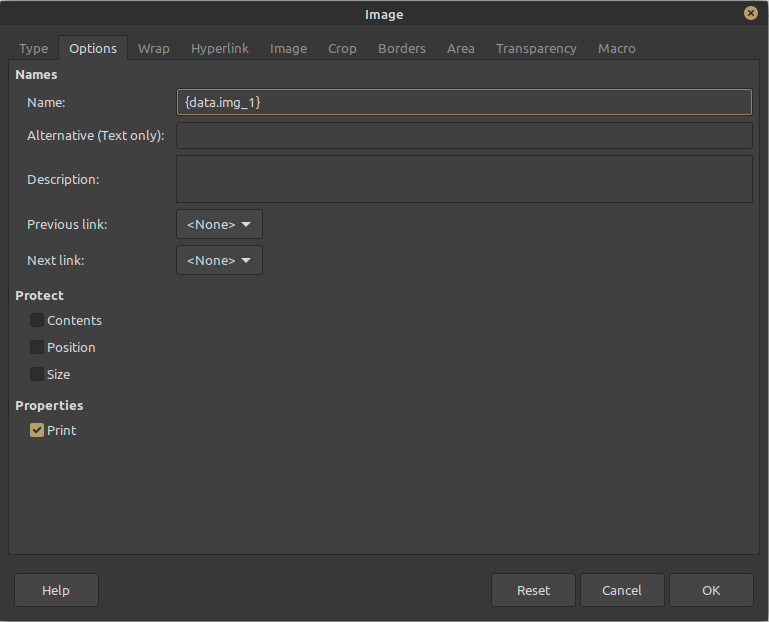
- Place a placeholder image in your ODT template (e.g. the MARS Engine logo).
- Change its properties to have a variable name matching your data field, like
data.img_1.
Example:
js
const data = {
  msg_1: "an ODT",
  msg_2: "different ways",
  msg_3: "images",
  img_1: 'binary data of the image'
};

const res = report.odt("/link_to_file", data);
write(res);
When you provide binary image data to img_1, the placeholder image in the template will be replaced:
Arrays
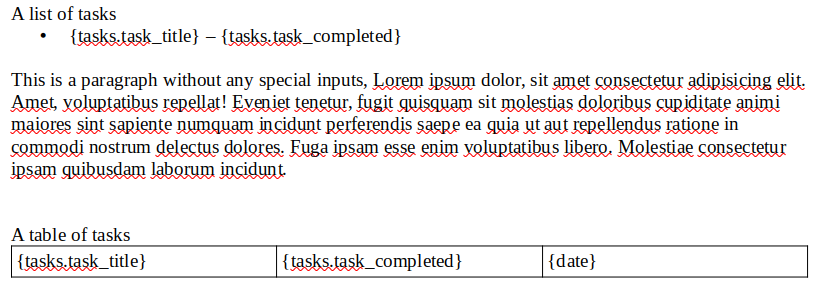
To repeat content like list items or table rows, use arrays in your data:
Example document formatting:
Example code:
js
const tasks = [
  { task_title: "Wash the dishes", task_completed: "finished" },
  { task_title: "Rest up", task_completed: "finished" },
  { task_title: "Meet with clients", task_completed: "not finished" },
  { task_title: "Table tennis with friends", task_completed: "not finished" },
];

const date = new Date();

const res = report.odt("/link_to_file", { tasks, date });
write(res);
Result: The template repeats sections for every item in the array.
Complex Nested Objects
You can work with deeper data structures like arrays of objects containing other objects.
Example code:
js
const people = [
  {
    name: "Mark",
    address: {
      street: "Example Street",
      number: 15,
      region: "Example Region",
      country: "Example Country"
    }
  },
  {
    name: "Rachel",
    address: {
      street: "Different Example Street",
      number: 16,
      region: "Different Example Region",
      country: "Different Example Country"
    }
  },
  {
    name: "Gustavo",
    address: {
      street: "Some arbitrary chicken restaurant",
      number: 18,
      region: "Different Example Region",
      country: "Different Example Country"
    }
  }
];

const res = report.odt("/link_to_file", people);
write(res);
Resulting document:

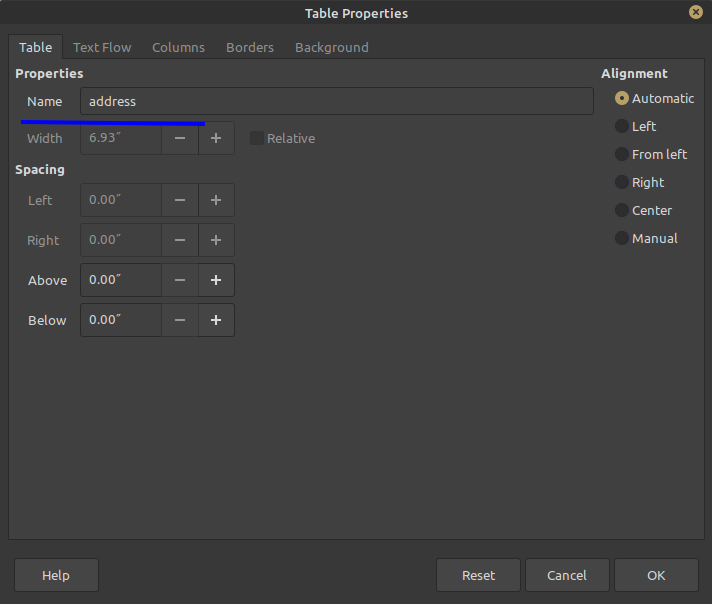
If you want finer control, you can define named tables in your template:
** Notes:**
- Always use ODT for template-based PDF/ODT generation.
- CSV and XLSX don’t require ODT.
- Use meaningful variable names to match your template design.
- Images and tables must be properly set up in the template with variable names.